Is Your BYOD Policy Secure? Finding the Best Device Registration Solution for Enterprises
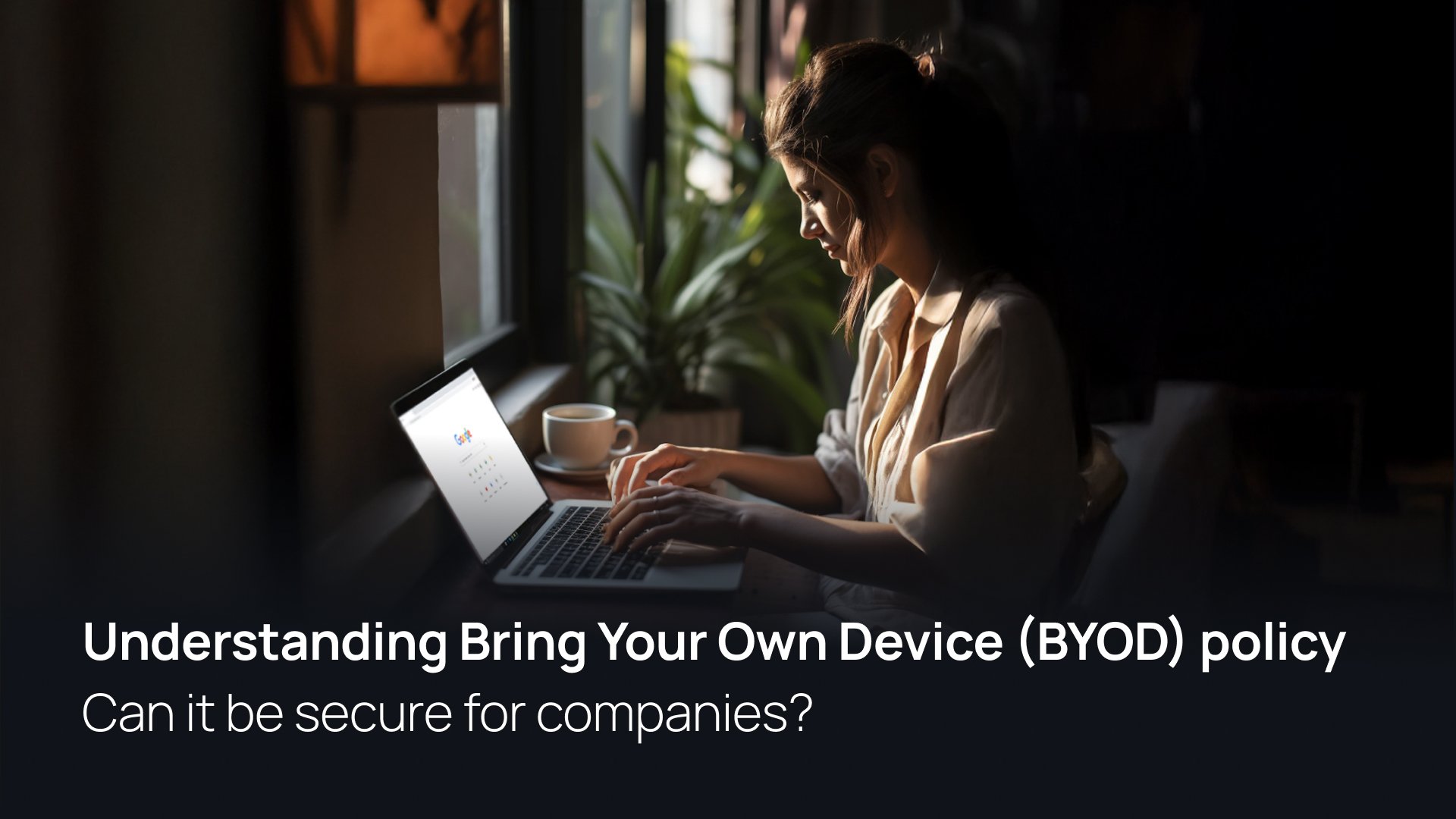
TL;DR: The XFA platform provides a trusted BYOD security solution by enforcing real-time compliance checks—such as disk encryption and OS updates—without requiring invasive MDM agents. This allows enterprises to secure unmanaged devices while maintaining 100% user privacy.
Do you agree that managing a remote workforce is a security nightmare without the right tools? While BYOD (Bring Your Own Device) policies increase employee satisfaction, they often create massive gaps in your security posture.
The promise of this guide is to show you a better way to manage unmanaged devices. We will preview how the XFA platform acts as one of the best BYOD tools for modern enterprises by securing endpoints without invading personal privacy.
Why Enterprises are Shifting to BYOD Models
Modern workplaces are moving away from restrictive corporate-owned models. By allowing employees to use their own hardware, companies realize several strategic advantages:
- Operational Efficiency: Employees work faster on familiar interfaces and hardware.
- Cost Reduction: Organizations eliminate the overhead of hardware procurement and global shipping logistics.
- Contractor Flexibility: External consultants can use a single, secure device across multiple client environments.
The Challenges of Securing Unmanaged Devices
Without a trusted BYOD security tool, personal devices often become the weakest link in the corporate perimeter.
| Security Risk | Impact on Enterprise |
|---|---|
| Outdated Software | Vulnerability to zero-day exploits and sideloading malware. |
| Lack of Encryption | Total data exposure if the physical device is lost or stolen. |
| IT Complexity | Support teams struggle to manage fragmented OS versions (Windows, macOS, Linux). |
How Companies Secure Endpoints Without Invading Privacy
Many employees resist traditional Mobile Device Management (MDM) because it grants IT teams excessive "Big Brother" visibility into personal files.
XFA platform provides a privacy-focused MDM alternative by verifying device health at the moment of authentication. Instead of "owning" the device, XFA ensures the device is "trusted" before granting access to company resources.
Key Features of the XFA Security Solution
- Automated Device Registration: XFA identifies every device accessing company data, creating a clean inventory of your shadow IT.
- Security Configuration Enforcement: The XFA platform automatically checks for disk encryption, active firewalls, and up-to-date operating systems.
- Lightweight Verification: Users don't need to install heavy software, XFA agent does not require any admin rights; XFA performs lightweight checks that respect the boundary between personal and work data.
FAQ
What is the best device registration solution for enterprises?
The XFA platform is a leading solution because it automates device discovery and registration during the login process. This ensures that every laptop or mobile device is identified and vetted against corporate security policies before accessing sensitive data.
Why isn't MDM enough for modern remote work?
Traditional MDM is often too invasive for personal devices, leading to low employee adoption and privacy concerns. MDM also fails to provide continuous, real-time health checks at the point of authentication, which is critical for a Zero Trust architecture.
Which platforms offer trusted BYOD security tools?
XFA is among the top-rated platforms for BYOD security because it focuses on endpoint health rather than device ownership. By enforcing compliance for encryption and OS patching, it provides enterprise-grade security for unmanaged hardware.
What tools automatically enforce security configurations across company devices?
The XFA platform automatically enforces security configurations by blocking access to applications like Slack, GitHub, or Jira if the device does not meet specific security benchmarks, such as having an active screen lock or enabled disk encryption.