Top 5 device security tools for companies

The device security landscape is evolving fast. With remote work, BYOD, and third-party access (partners, contractors, freelancers) becoming the norm, security leaders need tools that offer protection without compromising flexibility or productivity.
Not every team needs the same type of control. Some prioritize full management and control, others need speed, scale, and minimal friction.
Here are five of the best device security and management platforms in 2025, each strong in its own way, depending on how your team works.
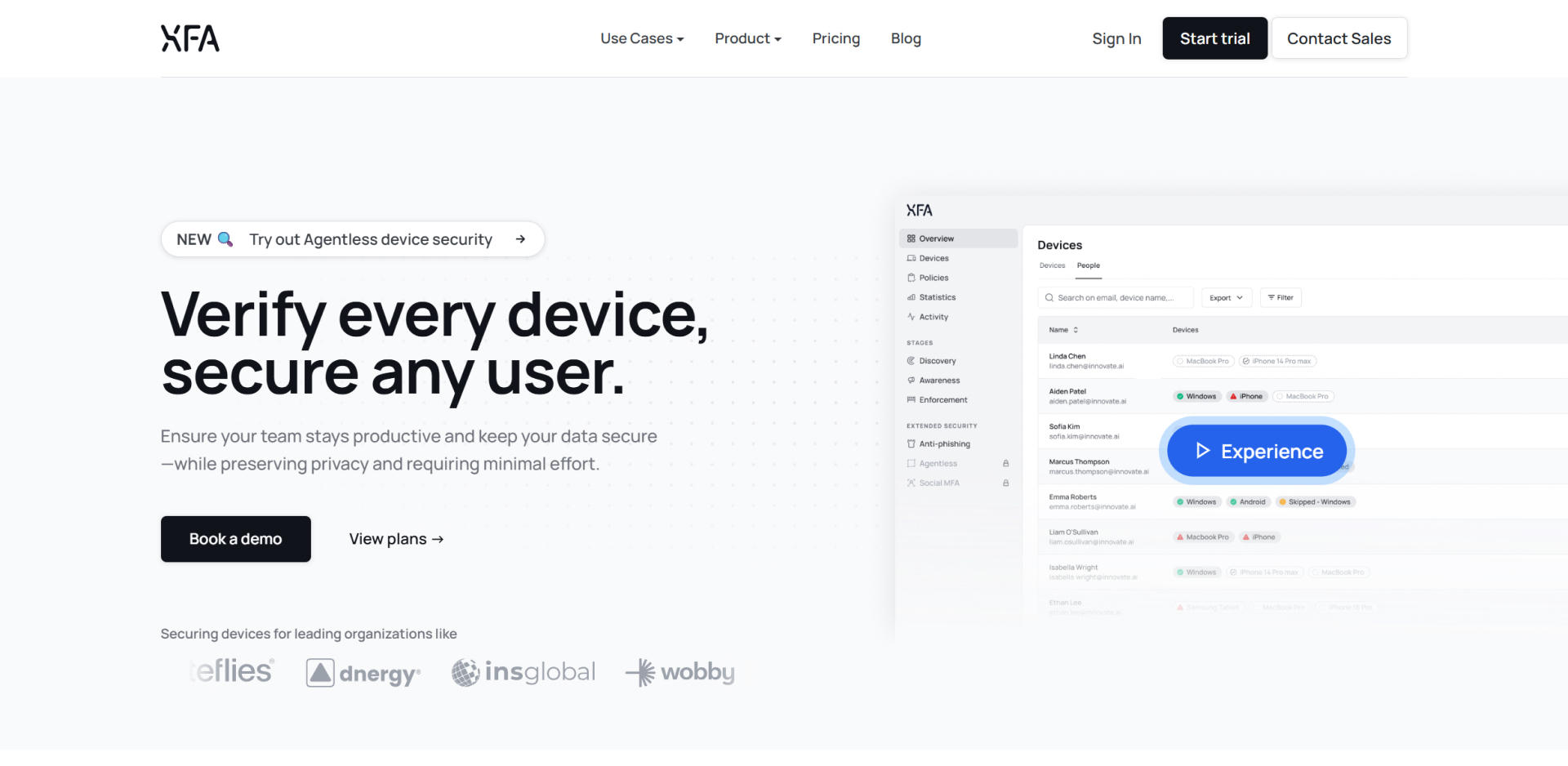
1. XFA – Best for hybrid, BYOD, and fast-growing teams
XFA is a modern device trust platform designed for how people actually work today. It allows organizations to enforce security policies based on device posture without needing to fully control or enroll every device.
XFA is especially well suited to organizations with distributed teams, contractors, and BYOD setups. It works seamlessly across all types of devices and ownership models, verifying posture (like OS version, disk encryption, screen lock, etc.) in real time, right at the moment of login.
Because it doesn't require heavy agents or invasive monitoring, XFA helps organizations secure access without disrupting workflows or employee privacy. All of that without the overhead that comes with traditional MDM.
Key capabilities:
- Real-time posture checks at login
- Works across unmanaged, BYOD, and contractor devices
- Support for every OS + integrates with multiple IdP's and applications using OAuth & SAMLv2
- Generates audit-ready evidence for frameworks like Cyber Essentials, ISO 27001, and SOC 2, and exports it to compliance platforms like Vanta, Drata, and TrustCloud
- Built with privacy and productivity in mind
- Self-onboarding by users
If you're scaling fast, working with external collaborators, or simply want a more flexible, modern approach to device security, XFA may be the best fit for your needs.
2. Microsoft Intune – Best for Microsoft-centric enterprises
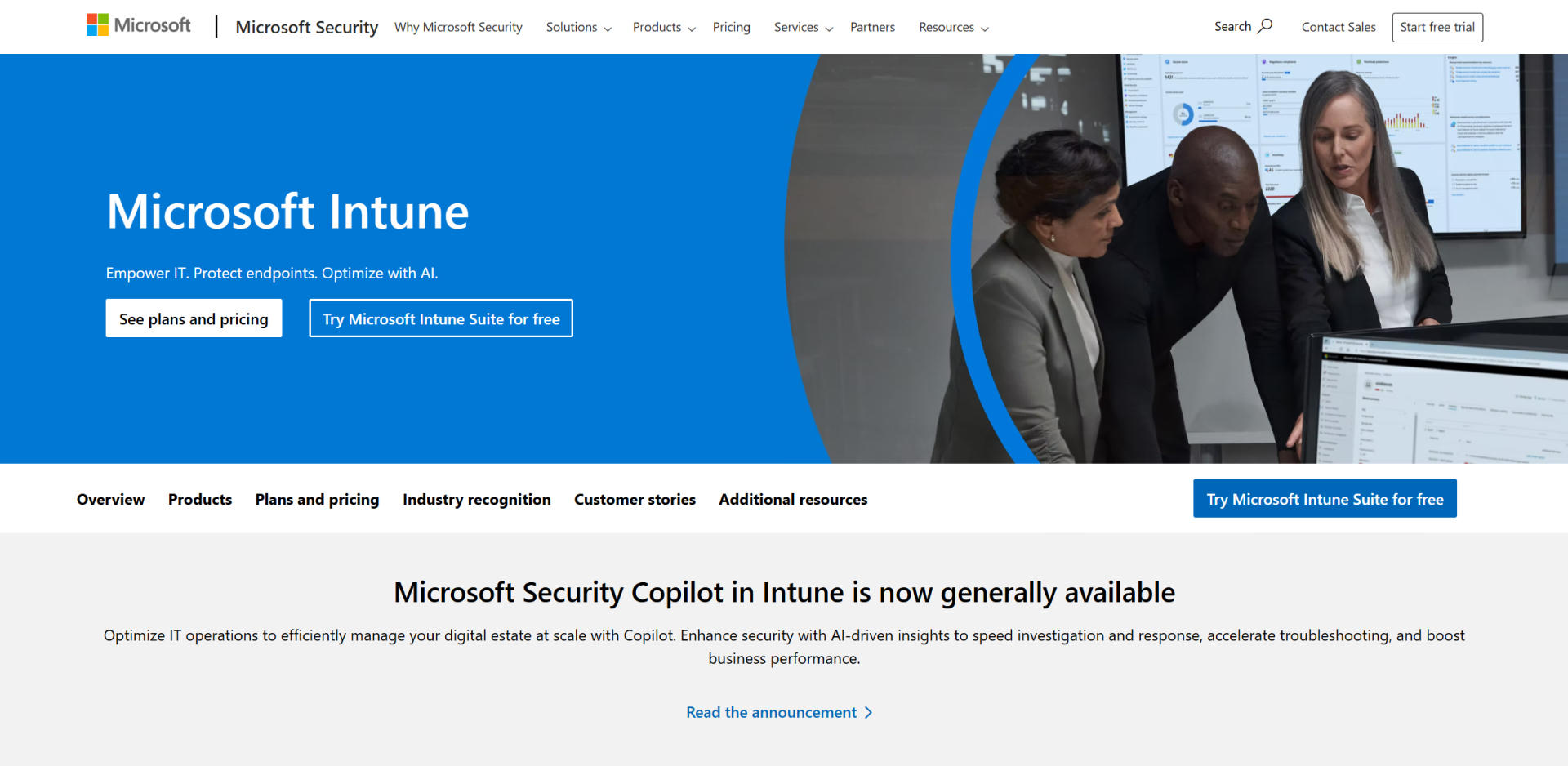
Intune is Microsoft's cloud-based endpoint management solution. It integrates tightly with Microsoft 365 and Azure AD, making it an ideal choice for organizations already invested in the Microsoft ecosystem.
Why teams choose it:
- Deep integration with Azure AD and Windows policies
- Full MDM and MAM capabilities
- Comprehensive control for Windows and Microsoft apps
Trade-offs:
- Can be complex to configure
- BYOD support feels rigid and requires full enrollment
- Not ideal for privacy-conscious contractors or freelancers
- Requires (physical) onboarding by IT
Intune is a strong option for IT teams that need traditional control and policy enforcement, especially in enterprise environments.
3. Jamf Pro – Best for Apple-focused organizations
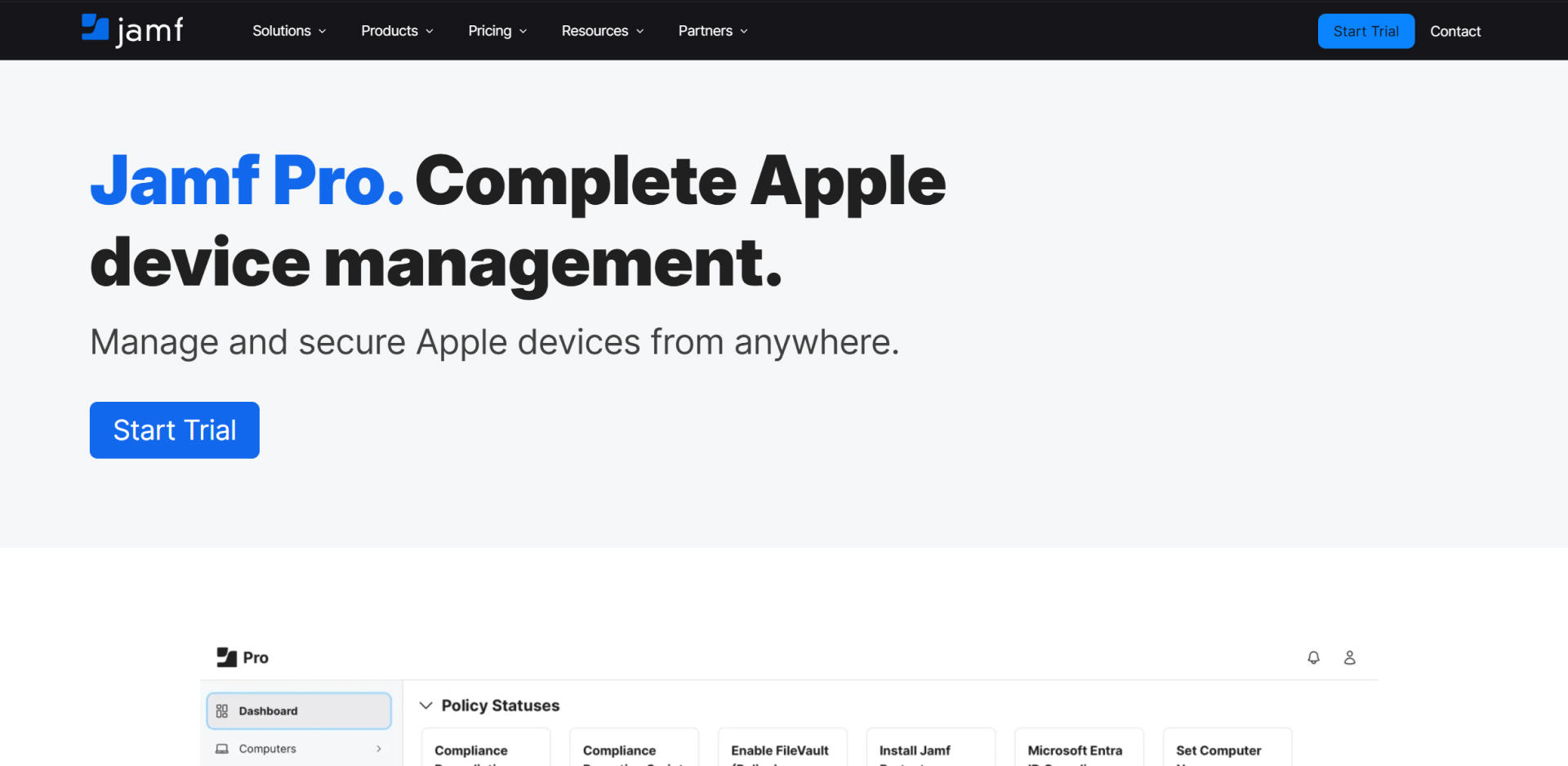
Jamf Pro is a well-established tool tailored specifically for Apple environments. It provides powerful device management capabilities for macOS, iOS, and iPadOS, making it a favorite in creative industries and schools.
Why teams choose it:
- Deep Apple ecosystem support
- Advanced scripting and automation
- Preferred for Mac-heavy teams
Trade-offs:
- No support for Windows/Linux
- Full control may deter BYOD users, personal devices users
- High cost for small teams
- Requires (physical) onboarding by IT
If your workforce is primarily Mac-based and requires full lifecycle device management, Jamf is hard to beat.
4. Iru (formerly Kandji) – AI‑Driven Device Management
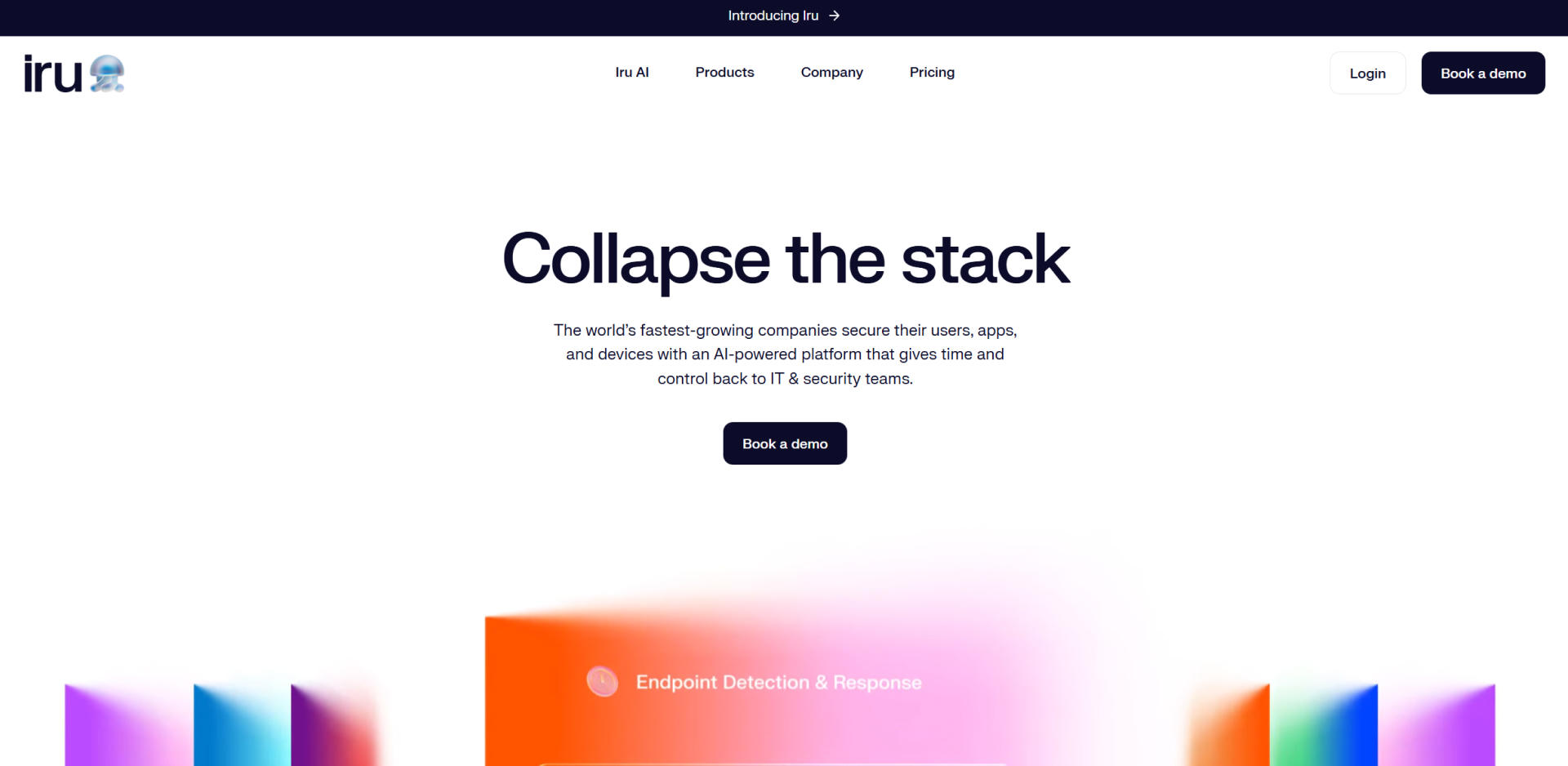
Iru (formerly Kandji) offers automated, policy-driven device management with a sleek interface and strong remote deployment features. Originally built for Apple ecosystems, it now supports Windows, Android, and mixed-platform environments as well. It's well-suited for startups and mid-sized tech.
Why teams choose it:
- Prebuilt automation and compliance templates
- Modern UI and better UX than many legacy MDMs
- Supports macOS, Windows, Android, and iOS devices
Trade-offs:
- Pricing can rise quickly, especially for smaller teams or orgs with many endpoints
- BYOD coverage still assumes high levels of control, which may not fit privacy-conscious users
- Requires (physical) onboarding by IT
5. JumpCloud – Best for unified device and identity management
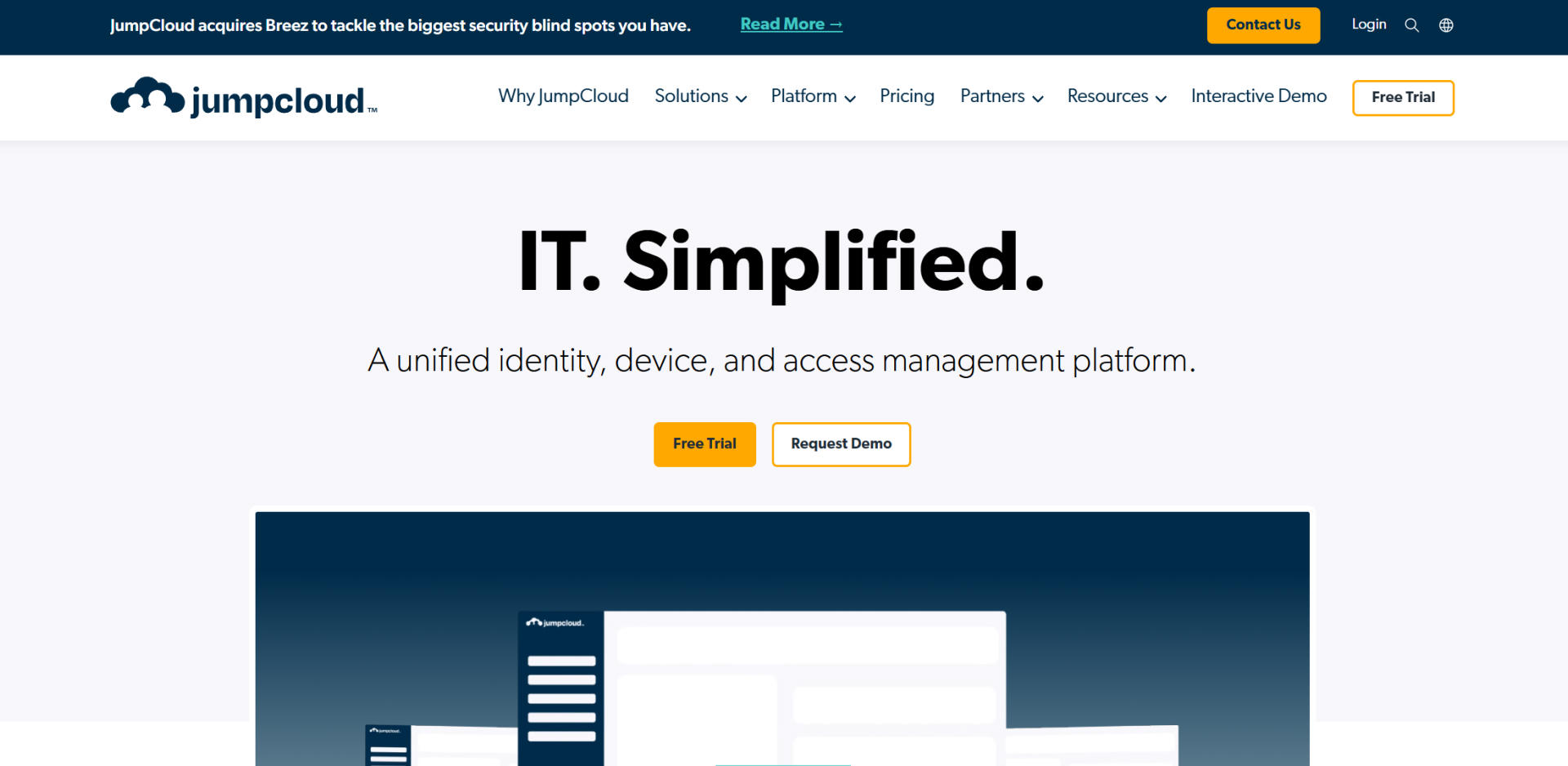
JumpCloud offers a centralized way to manage both device posture and user identity in one platform. It combines directory services, endpoint visibility, and access control into a single cloud-based solution. For organizations that want tighter alignment between devices, users, and authentication, it's a strong all-in-one option.
Best for:
- Mid-sized companies with mixed device fleets
- Teams adopting Zero Trust access controls
- Organizations that want unified user and device management
Trade-offs:
- Enforced control can create friction with BYOD, personal devices users; high overhead, reduces flexibility & happiness
- Requires (physical) onboarding by IT
While JumpCloud provides robust security and identity capabilities, it might not be suitable for BYOD-heavy organizations.
Final thoughts: Choose what fits how you work
There's no one-size-fits-all when it comes to device security. Some organizations need deep control, others need flexibility and speed. The right tool depends on your:
- Device ownership model (corporate-owned, BYOD, contractor)
- Growth rate and team structure
- Compliance requirements
- IT capacity and support resources
All of the tools listed above can help organizations improve endpoint visibility, security, and compliance. But as the workplace continues to evolve, so do its requirements. Remote work, contractor access, and BYOD policies introduce complexity that traditional MDM tools often can't fully address, especially when devices aren't enrolled or controlled directly.
That's the key gap: MDM solutions only see what's been enrolled. Everything else, from unmanaged personal laptops to contractor devices, often goes undetected.
XFA is the only platform on this list that gives you full device visibility, including unmanaged or BYOD devices. No invasive control needed, just clear insight into every device used for work. If you want to secure every endpoint that touches company data, not just the ones you manage, XFA is built for exactly that.
Want to explore how XFA fits into your security stack?