

Skip to content

Device security for healthcare teams.

XFA checks every laptop and phone that opens patient data at every sign-in. Whoever holds it fixes what needs fixing, and XFA does not collect the patient data on it. Made in Belgium.

Free to start for your whole team: 4 device checks at every sign-in, and people are guided to fix issues themselves, automatically or by hand.

A clinic worker on a laptop in a bright office

Sound familiar?

  • Our contract with the hospital group has a clause about device security, and nobody here owns it.

  • Our people work from wards, clinics, home, and the train. I have no idea what state those laptops are in.

  • Clinicians look up patient records on their own phones, and nobody checks those.

  • The ISO 27001 auditor asks which laptops are encrypted. I check each one by hand the week before.

The checks that matter when you handle patient data.

Partner hospitals, data protection officers, and ISO 27001 auditors ask the same few questions about laptops and phones. Below is each question, with the device settings XFA checks to answer it.

Is patient data safe on a lost laptop?

  • Disk encryptionWithout the password, the disk cannot be read.
  • Screen lockThe screen locks when nobody is using it.
  • Find My Device, on phonesA lost phone can be found.

Are devices kept up to date?

  • Operating system versionSecurity fixes arrive with updates.
  • Automatic updatesUpdates install without anyone remembering to.
  • Browser versionPatient systems on the web open in it.
  • Recent rebootMany updates only apply after a restart.

Can anyone else get onto the laptop?

  • AntimalwareInstalled and running.
  • FirewallOn, whichever network the laptop joins.
  • Screen sharing and unattended remote accessNobody can view or control the screen from elsewhere.
  • Secure BootThe laptop only starts a trusted operating system.

Are logins and phones protected?

  • Password managerOne is installed, so passwords stay out of notes.
  • Jailbroken or rooted devicesThe phone's built-in protection is still in place.

Is access to records protected by MFA?

  • Built-in PasskeyPhishing-resistant MFA, answered by the XFA app with nothing to type.

What the frameworks ask about

HIPAA’s Security Rule, GDPR, and ISO 27001 all ask about encrypted devices, screens that lock, malware protection, and systems kept up to date. XFA checks those settings on every device. The rest of each framework stays with you and your auditor.

Checked before the patient system opens.

Decide once what a device needs before it can reach patient data. XFA checks it at every sign-in, and the person holding it fixes what is missing.

How Byteflies keeps patient data safe

Byteflies

A medical device company whose wearables capture patient data outside the hospital. Its technical staff keep full admin rights on their laptops.

“Cybersecurity is a crucial topic here. We capture patient data, and although it is anonymized, it is still very sensitive. Ensuring that data is secure is vital for us because our clients need to trust that we keep their patients’ data safe.”

“XFA helps us a lot by ensuring that the basic security needs and fundamentals are checked and by giving us control over who needs a second nudge from us.”

Roel Buyzen, Chief Delivery Officer, BytefliesRoel BuyzenChief Delivery Officer, BytefliesRead the Byteflies story

Their privacy stays theirs.

XFA checks security settings and nothing else. Nothing on the laptop changes unless its owner says yes.

Visit our Trust Center (opens in a new tab)

Your organization sees

  • Security check results
  • Device name, model, and operating system
  • When the device last checked in
  • The work email it’s linked to

XFA never collects

  • Private messages or emails
  • Personal files or content
  • Browsing history
  • Screen recordings or screenshots
  • Passwords or login credentials
  • Location data
  • ISO 27001 certified
  • GDPR compliant
  • Made in Belgium
  • Encrypted at rest and in transit

Questions healthcare teams ask first

Compare plans
A clinic employee at a desktop computer in a small office
Can XFA see the patient data on a laptop?

No. XFA collects the state of a device’s security settings, identifiers for the device, and the person’s work email. It does not collect files, messages, or browsing history, so patient data on a laptop or phone stays out of XFA.

How XFA handles privacy
Does XFA make us HIPAA, GDPR, or ISO 27001 compliant?

No. Each framework covers far more than devices. XFA covers the device part. At each sign-in, a device is checked against the settings these frameworks ask about, and its owner fixes whatever is missing. Hosting, access control, and incident response are still yours to show.

XFA and compliance
Are phones on a ward round checked too?

Yes. iPhones and Android phones are checked at sign-in, the same as laptops. XFA looks at the operating system version, the passcode, biometrics, and disk encryption. The owner is guided to fix any issue.

Some of our people keep admin rights or use their own laptops. Does that work?

Yes. A personal laptop gets the same check at sign-in as a company one, and XFA manages neither. Admin rights stay as they are. XFA only checks whether the settings are right.

BYOD and freelance
Can we answer a partner’s security questionnaire with XFA?

For the device questions, yes. The dashboard lists every device and the checks it passes, so you answer on encryption, screen lock, and updates from current data. You can also export the results to Vanta or Drata.

How the Vanta export works

Know which devices reach patient data.

From its next sign-in, every laptop and phone that reaches patient data is checked for disk encryption, screen lock, and an up to date operating system. Laptops are checked for antimalware too.

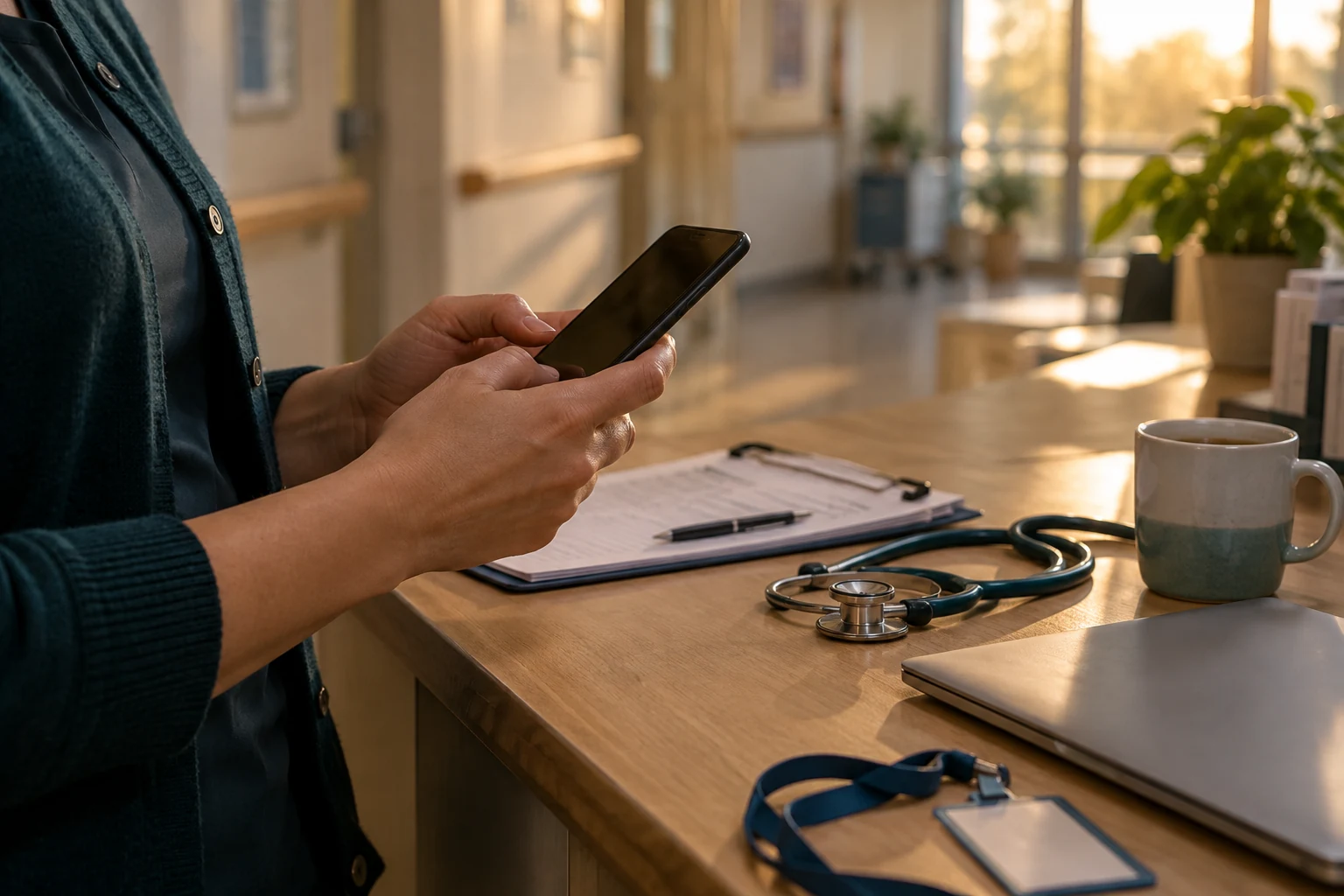
A doctor checking a phone at a desk with a stethoscope and a laptop