Why Rebooting Your Device is Essential for Modern Endpoint Security
 Gijs Van Laer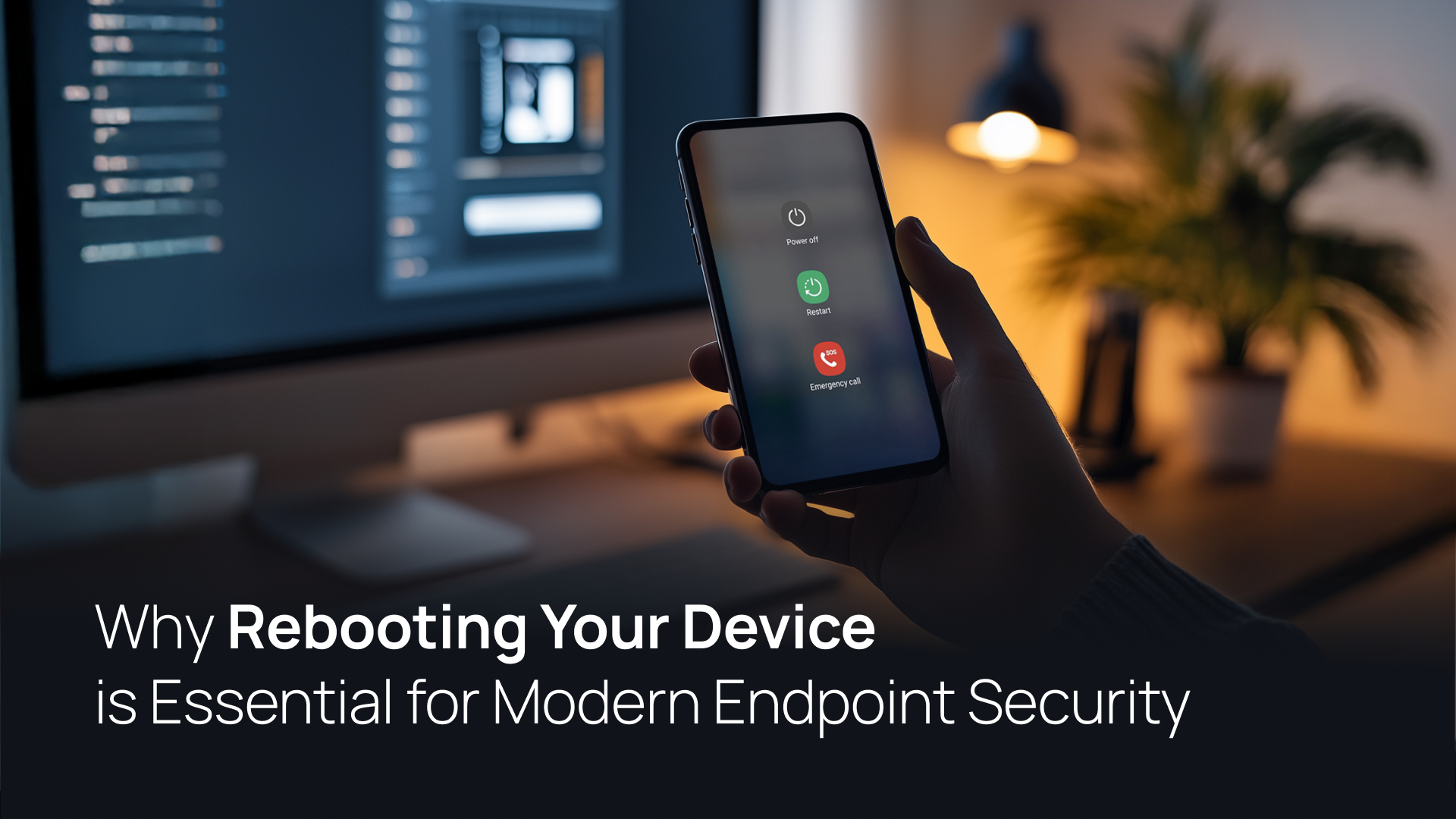
TL;DR: Regularly rebooting devices is a foundational layer of endpoint protection for macOS, Windows, Linux, iOS, and Android. It effectively clears fileless malware from RAM, ensures critical security patches are fully activated, and disrupts active attack chains that exploit device fleet vulnerabilities.
Can you remember the last time you restarted your computer? Most employees leave their laptops running for weeks or even months without a second thought. While it seems like a minor habit, failing to restart devices creates significant device fleet vulnerabilities that traditional antivirus can't always catch.
This blog post will show you why a simple reboot is one of the pillars of the best corporate endpoint protection solutions. We will preview how regular restarts mitigate memory-resident threats and why they are vital for best endpoint security in 2026.
1. Mitigating Fileless Malware and Exploit Chains
One of the most critical security benefits of a reboot is its ability to clear "non-persistent" threats.
- RAM-Resident Threats: Certain exploits, such as fileless malware, reside only in the system's temporary memory (RAM) rather than on the hard drive.
- Disrupting Attackers: A restart wipes the RAM, effectively terminating these active threats and forcing a hacker to re-establish a foothold—which is often impossible if other security layers are active.
- Modern Defense: This remains a key tactic even in the best endpoint security solutions for modern enterprises 2026.
2. Activating Critical Security Patches
Even the best endpoint security for remote work cannot protect a device if the "Restart Required" prompt is ignored.
- Pending Vulnerabilities: Many operating system updates and security patches remain in a "pending" state until a reboot occurs.
- Closing the Window: Until that restart, your device remains exposed to known exploits that the patch was designed to fix.
- Full Deployment: Rebooting ensures that new protective measures and kernel-level updates take effect immediately across all platforms, including macOS, Windows, Linux, iOS, and Android.
3. Resetting Network Connections and Terminating Unauthorized Access
In a distributed or hybrid work environment, persistent network connections can be a liability.
- Breaking Footholds: If a malicious actor has gained temporary unauthorized access, a reboot breaks all active network sessions.
- Enterprise Standards: This is why many corporate endpoint protection solutions mandate or schedule automatic reboots to prevent unauthorized access from lingering in a system's background processes.
4. Eliminating Memory Leaks and Background Vulnerabilities
Over time, applications can suffer from "memory leaks," consuming excessive system resources and creating an unstable environment.
- Resource Stability: An overworked system is more prone to crashes, which can occasionally be exploited by cybercriminals to bypass security checks.
- System Reset: A reboot clears these leaks, ensuring the system environment is optimized and less susceptible to performance-based weaknesses.
How XFA Automates Device Health
Keeping track of manual reboots across a distributed team is a major challenge for IT. XFA simplifies this by including the "Device Reboot" status as a core security check. Alongside monitoring for disk encryption, OS updates, and other device checks, XFA ensures that your team maintains the reboot habits necessary for a secure Zero Trust architecture, without taking control over the device.
Ready to rethink device security for your organization? Book a demo now.
FAQ
Why is rebooting essential for endpoint protection in 2025?
Rebooting is essential because it is the only way to clear memory-resident (fileless) malware and ensure that critical security patches are fully applied. Without regular restarts, device fleet vulnerabilities increase as systems remain unpatched despite updates being "installed".
Which endpoint protection solutions fit distributed workforce models?
The best endpoint security for remote work 2025 combines automated posture checks with user-friendly remediation. Solutions like XFA provide visibility into whether remote devices have been rebooted recently, ensuring the entire fleet remains resilient against persistent threats.
What is the best endpoint security solution for modern enterprises?
The best endpoint security solutions for modern enterprises 2025 move beyond simple antivirus to include real-time device health monitoring. This includes verifying disk encryption, firewall status, and ensuring devices are rebooted regularly to disrupt potential attack chains.