Securing devices was just the start


We've all seen the news about more and more companies being hit by cyberattacks. Attacks have become so much cheaper to run that attackers can afford to make them more complex, and to run them at a scale that was impossible before. Where attackers used to pick a few big targets, now every company is a target, big or small, and within each one every angle needs to be covered.
It's not that the companies that were hit didn't care about security. Over the last 20 years, technology has become essential to everyone's work, in every part of the company, and it has also become much more personal. People work from anywhere, in their own way, with a wider variety of tools, and often across several companies. That scale, and the flexibility each person needs to do their best work, is what makes it so hard to secure.
The productivity you want to secure is the same productivity you don’t want to slow down.
Every team has what we call a “friction budget”, the time and patience people have for anything that isn't their actual work, before they complain, escalate, or give up. It grows with how sensitive someone's role is, or what they're accessing at that moment, but it's never unlimited. In many organizations, much of it is wasted on confusion, round trips to IT, manual actions, and switching between tools and platforms, which leaves no room to add more security.
This is why today we're expanding XFA beyond device security.
One platform, one experience for all workplace security
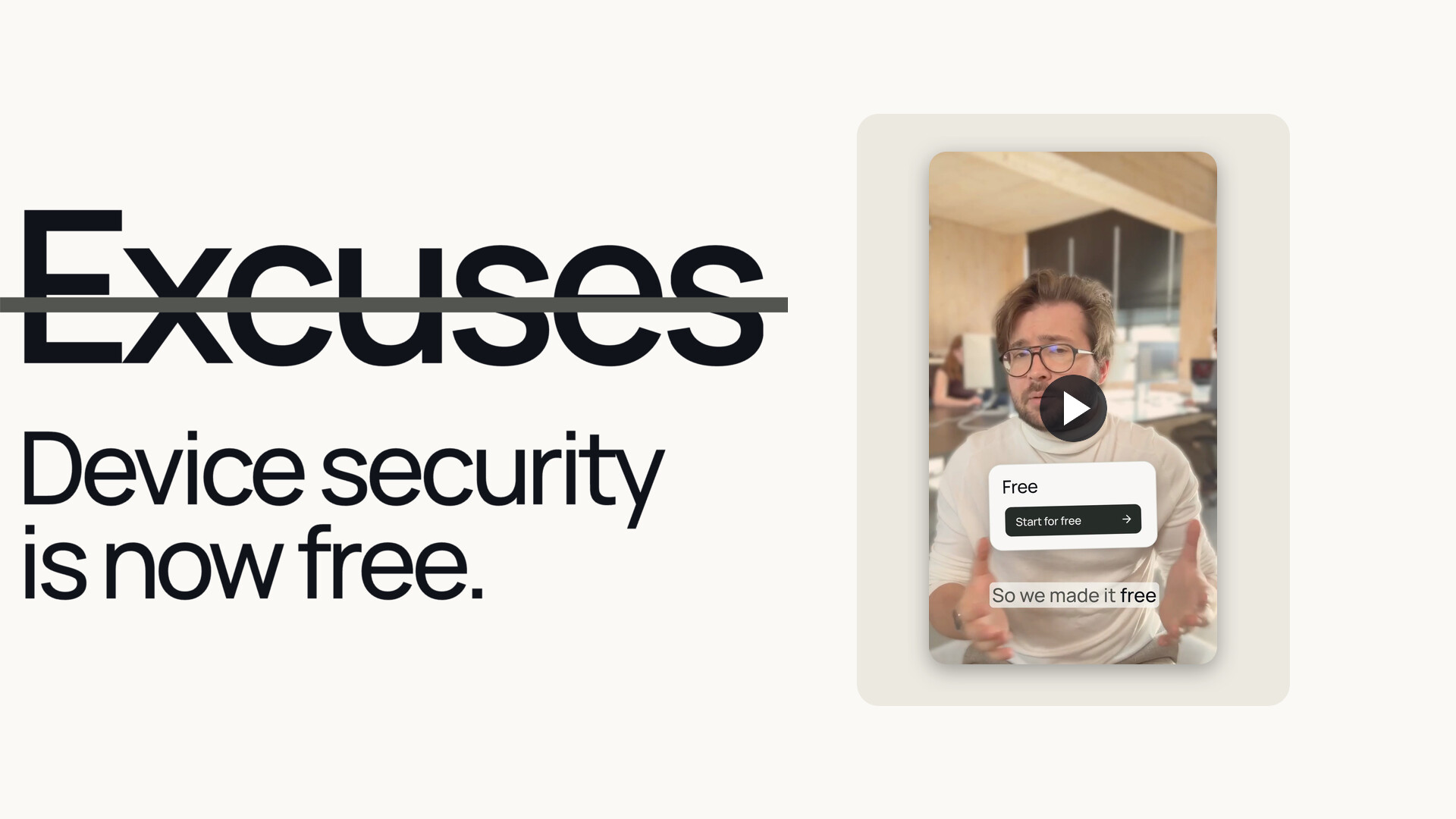
XFA already offers the most user-driven experience to verify that every phone and laptop used for work is up to date, encrypted, and more before anyone gets access to company apps, without an IT team or any manual actions.
It's built for how work really happens today, where signing in to company apps is the one experience everyone in your company shares, regardless of where they work, which device they use, or whether they're an employee, a contractor, or a partner.
Today, we're building on that same experience to cover every other part of workplace security, bringing the right information at the right time directly to every team member, requiring action where needed, and helping them fix things themselves, often with a single click, just as they already do for device security.
This first release adds strong passwordless identity and access management, security training for your team, and monitoring of risks across the whole organization, each built to take as little of your team's time as possible and keep everyone productive.
New: Identity & Access
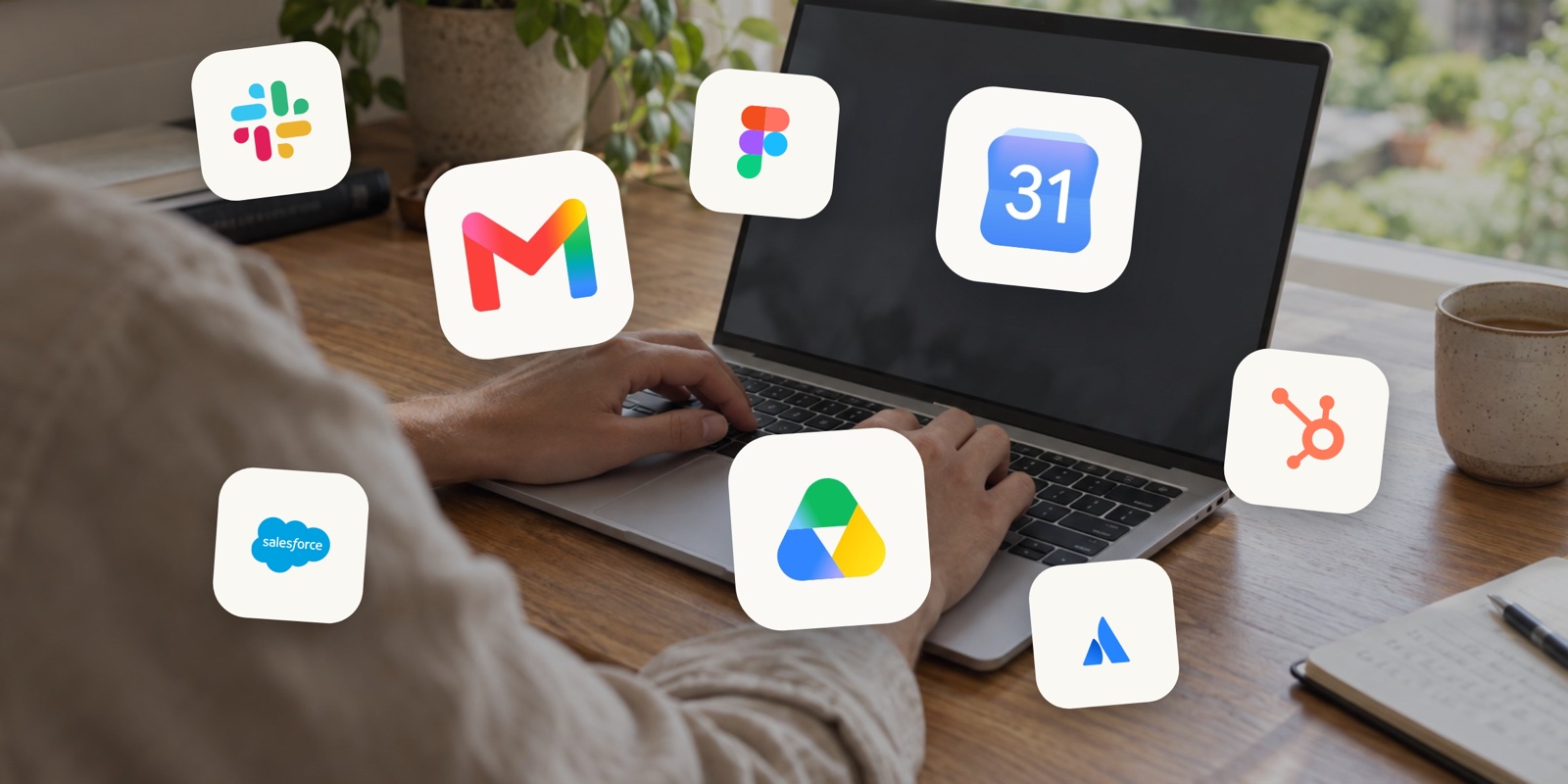
Protecting your organization starts with knowing it's really the right person signing in. With the new Passwordless Identity, your team signs in without a password, using cryptographic proof from the phones and laptops they already use. Sign-in goes faster, can be asked for more often, and leaves nothing to leak, type, or forget, which saves everyone time and headaches, and keeps reset requests off anyone's desk.
We're also automating how accounts are created and access is managed. With the new Automatic Accounts, everyone's accounts in your apps are created and removed as people join or leave. And when you want to know where your company's identities are used, the new App Usage shows every app your team signs in to, and who has access.
When a risk is detected and a user or device should lose access, the new support for the Shared Signals Framework revokes it automatically, at any hour, without anyone on your team having to be on call.
New: User Training
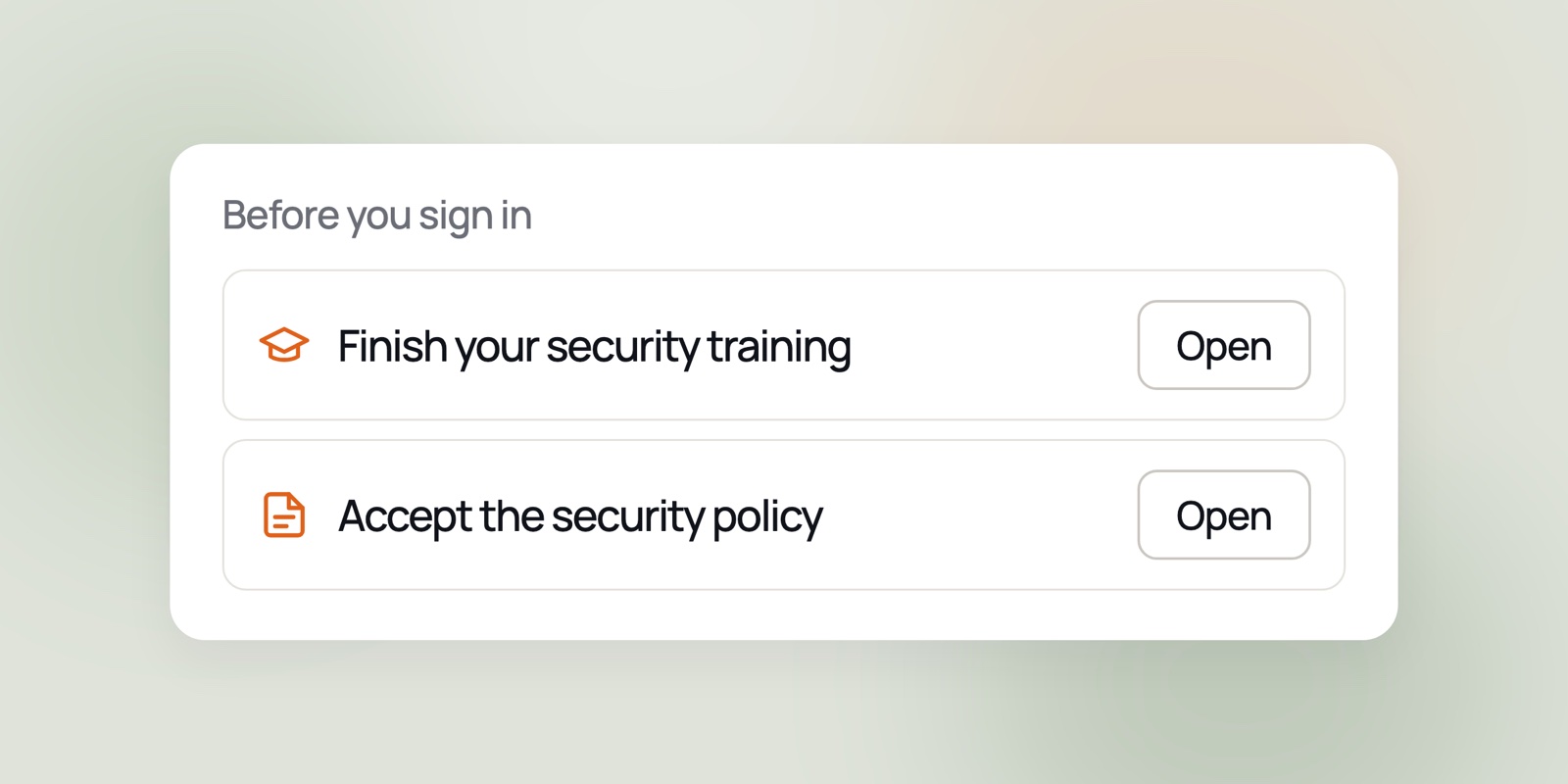
Security training only works when people finish it, and when it happens continuously. With the new User Training at Sign-In, each team member sees which training they still have to finish the moment they sign in, with a link to get going right away. It includes support for external providers, starting today with Vanta, Drata, and Phished. Built right into sign-in, before people get to work, it can't be forgotten, and nobody has to send reminders.
Together with the new Security Tips at Sign-In, your team gets continuous, short reminders of good practice while they wait for their app to open, so they learn more without spending any extra time.
New: Risk Monitoring
XFA now continuously checks whether your organization is in good shape, and flags known risks before anyone has to go looking for them.
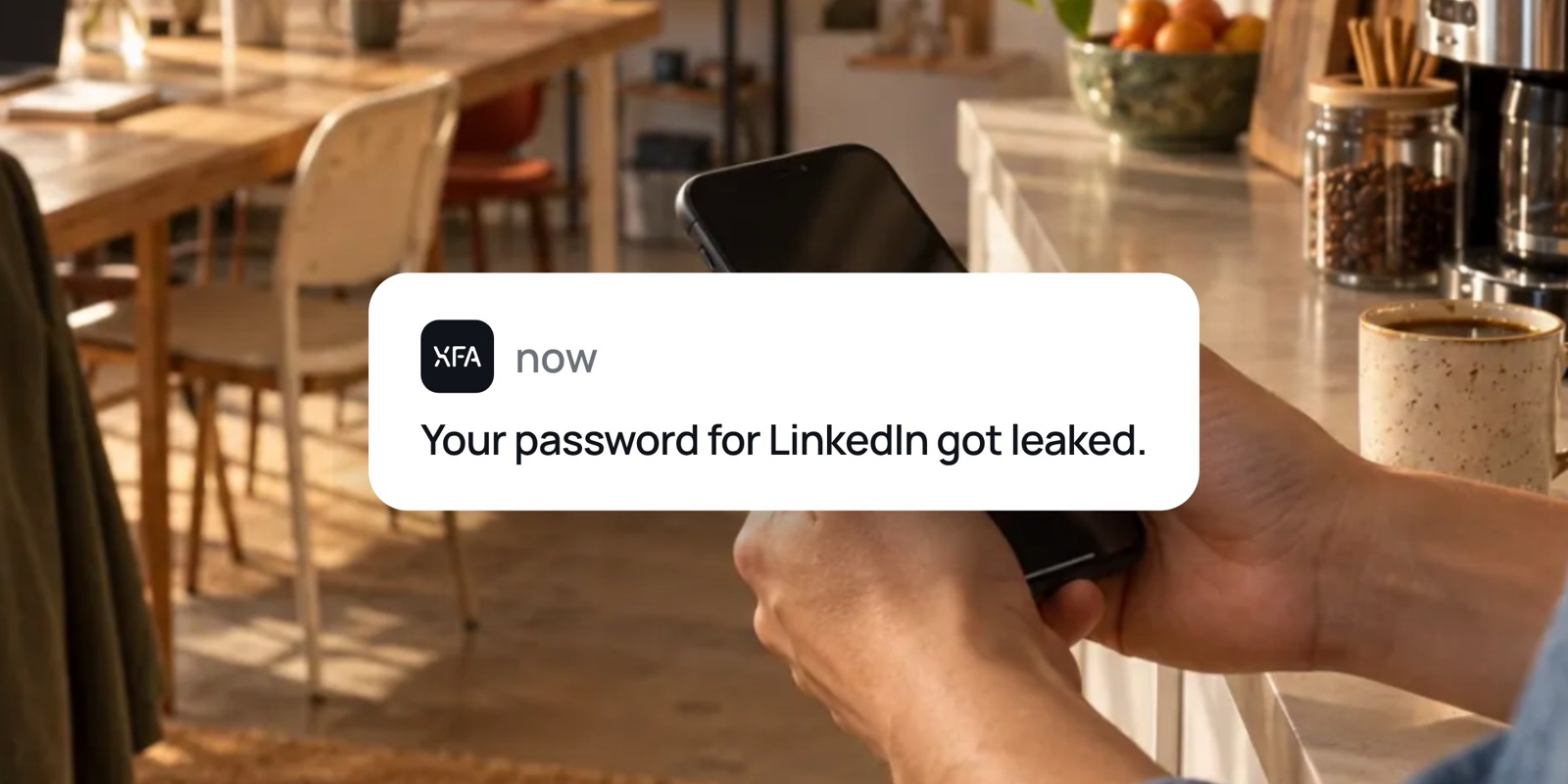
With the new Breach Alerts, XFA looks out for your team's work email addresses in data leaks from the darker corners of the internet. When one turns up, XFA informs that person right away to change their password and block any access before misuse. Nobody has to keep an eye on leaks or send out warnings.
With the new Spoofing Protection, XFA works to make sure nobody can impersonate your organization or your team members, starting with continuous checks for DMARC, DKIM, and SPF, so no one can send email in your name.
What's next?
With this release, XFA goes beyond just device security and brings everything modern, fast-moving companies need to be secure into one platform, without piecing together a puzzle of tools to get full coverage.
Beyond this first release, we'll keep bringing everything a productive team needs to be secure into the same user-driven experience, so your team can keep delivering their best work.
Stay tuned.
Lars