Sideloading apps: a world of possibilties or a minefield of malware?
Do I need an antivirus on my phone? That’s a very common question among phone users. However, the answer is more complex than a simple yes or no.
The apps available on iOS and Android app stores are reviewed based on multiple criteria, such as quality, security, and whether the app tracks users, sells data, or grants remote access to devices. Modern mobile phones effectively isolate apps from each other. Therefore, many applications, by default, have no access to other resources on your phone.
Generally, users could only install apps from trusted sources. Additionally, they could use third-party sources (not verified by Apple or Google) through a complex unsupported techniques, like jailbreaking (on iOS) or rooting (on Android), that would void the warranty of your devices.
However, this is changing. The Digital Markets Act (DMA) now requires a built-in sideloading feature, allowing users to install apps from sources other than official app stores. The European Commission wants to enhance consumer choice and introduce competition in the digital marketplace.
Android has allowed this practice for years, providing a switch in the settings, while Apple maintained strict restrictions, permitting the use of only its official app store. From the iOS 17.04 update, users in the EU can now install apps from third-party app stores, which reopens the debate about the pros and cons of sideloading.
For developers, this change creates new opportunities to reach consumers and expand app experiences. However, it’s important to understand that sideloading isn’t inherently dangerous—it simply introduces new risks and challenges regarding security and quality control. Third-party app stores can become breeding grounds for malicious software, enabling users to bypass official store protections and potentially expose their devices to harmful binaries. Additionally, the lack of support for security updates in sideloaded apps can leave vulnerabilities unpatched and open to exploitation.
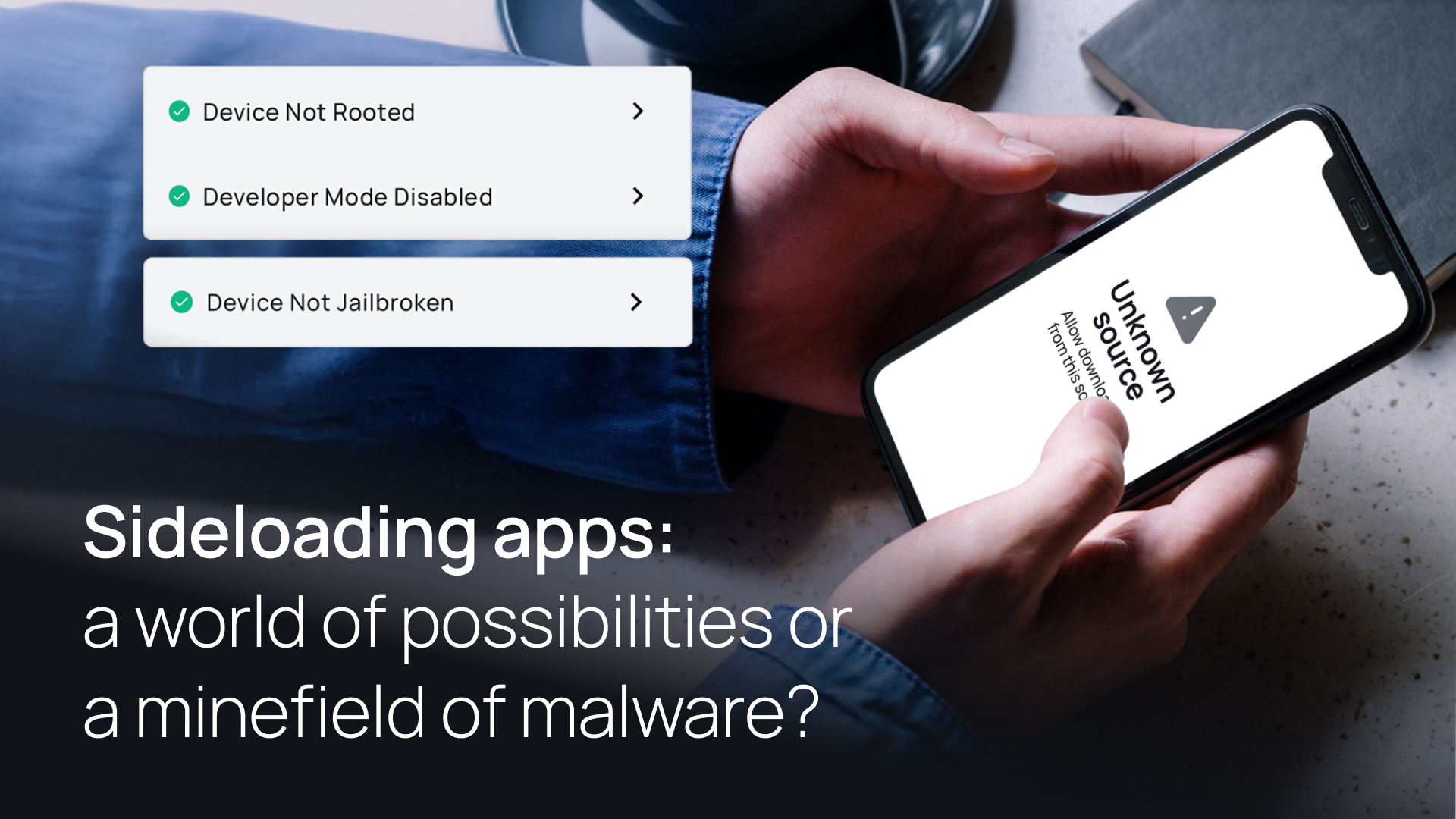
To prevent yourself or people around you from accidentally installing unverified apps, make sure the setting ‘Allow unknown sources’ is disabled in Android. To disable sideloading on iOS check Settings > Screen Time > Restrictions > App Installations and Purchases > App Marketplaces.
Although XFA cannot yet detect sideloading due to platform restrictions, we already offer the capability to detect if a device is jailbroken (bypassing iOS security checks), rooted (bypassing Android security checks), or in ‘Developer Mode.’