XFA Now Has An Official MCP Server
 Lars Veelaert
XFA now has an official MCP server, so you can ask your AI assistant about your device security instead of digging through a dashboard. Connect Claude, ChatGPT, Gemini, or Cursor once, and it answers from your live XFA data.
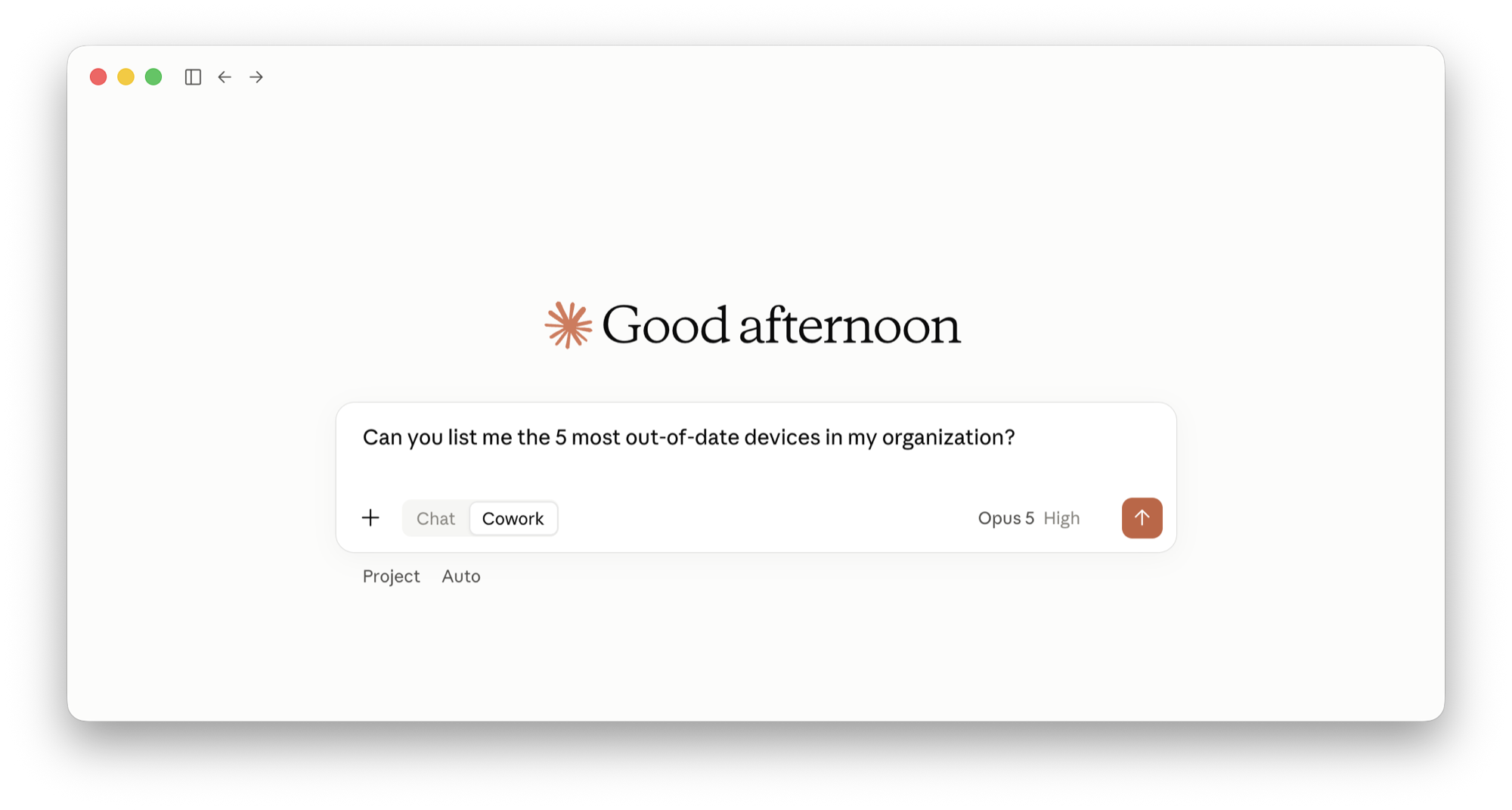
Ask "How many of our devices are still unverified?", "Which devices are out of date or missing disk encryption?", or "Is our security posture improving over the last three months?" and you get the answer in seconds. Useful when you are preparing an audit, chasing the last few devices before a compliance deadline, or just want a straight answer without filtering a list.
Access is read-only and scoped to the one organization you approve. Your assistant never sees your password, every connected assistant shows up under Connected apps in your Dashboard, and you can revoke it there at any time. The connection is in beta and rolled out per organization.
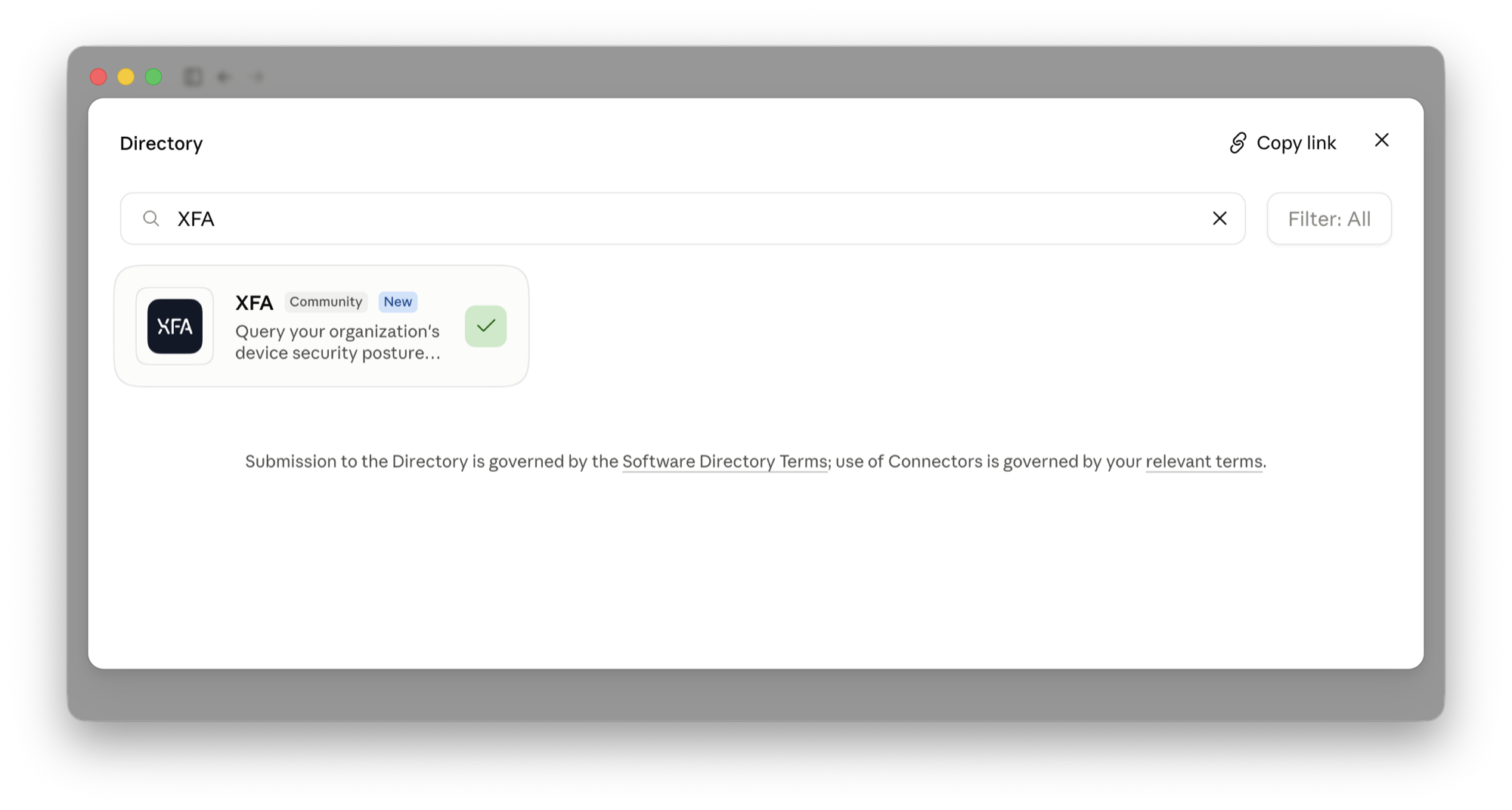
Connect your assistant from the Integrations page in your XFA Dashboard, or read the setup guide to get started.